PEAKS
Designing an Intuitive Ski Tracking Experience
A mobile app helping casual skiers track performance, plan routes, and review runs without unnecessary complexity. Completed as a Capstone Project for the NAIT UX/UI Design Certificate.

Simple tracking, without the clutter
Casual and intermediate skiers often rely on tracking apps to monitor speed, distance, elevation, and route history. Existing solutions frequently overwhelm users with complex interfaces, inconsistent GPS performance, and unnecessary features.
The Design ChallengeHow might we help skiers review performance with confidence?
How might we design a ski tracking app that helps casual skiers confidently review their performance without adding unnecessary complexity?
Design PrinciplesKey Insights
To understand how skiers currently track performance, I interviewed 5 skiers and snowboarders, reviewed competing products, and mapped user journeys to identify pain points and opportunities.
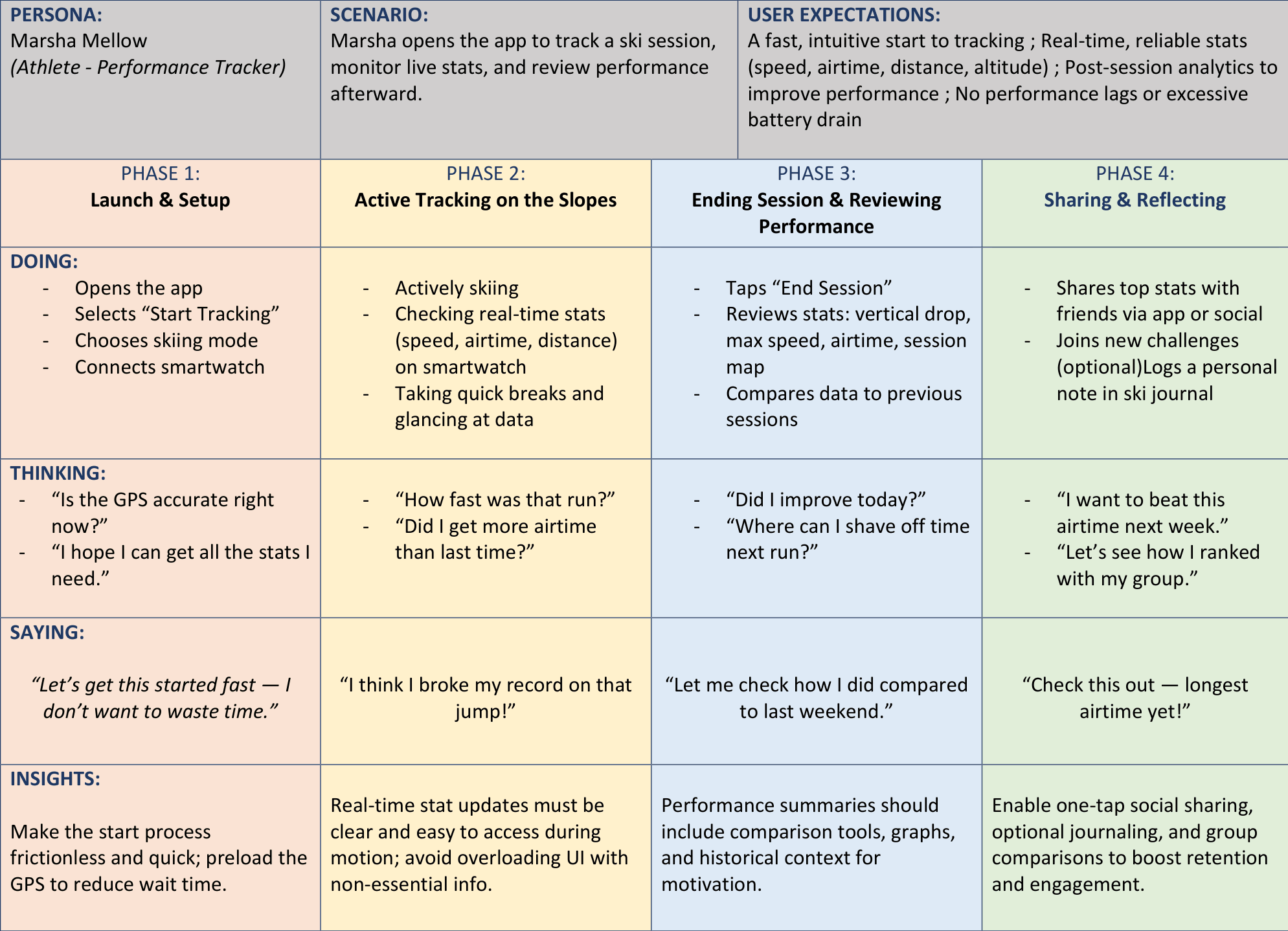
Multiple personas and journey maps represented different skiing experience levels.
Turning Research Into Design
From Sketch to Wireframe
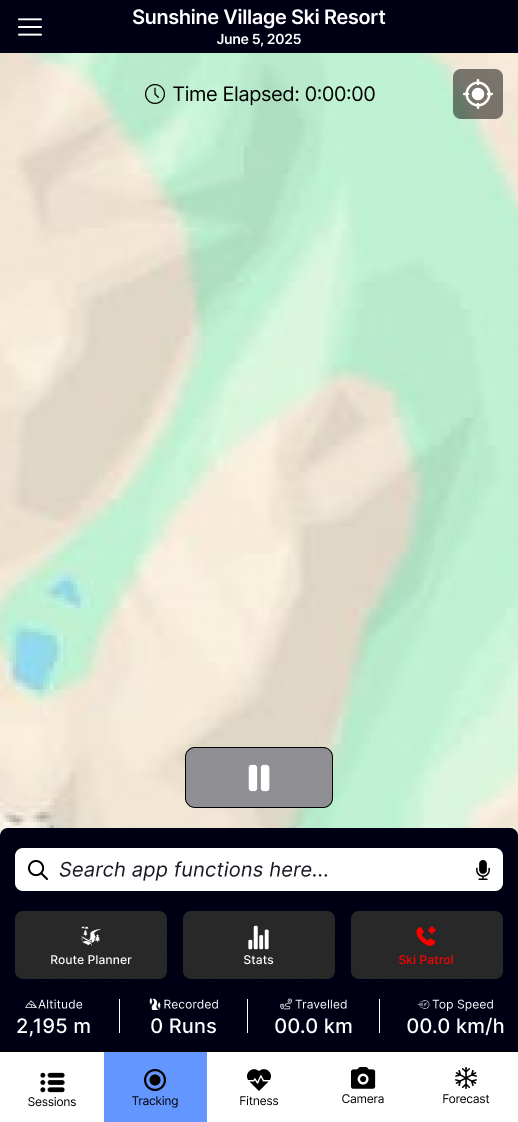
The interface evolved through multiple iterations as usability testing uncovered opportunities to simplify navigation and improve clarity.
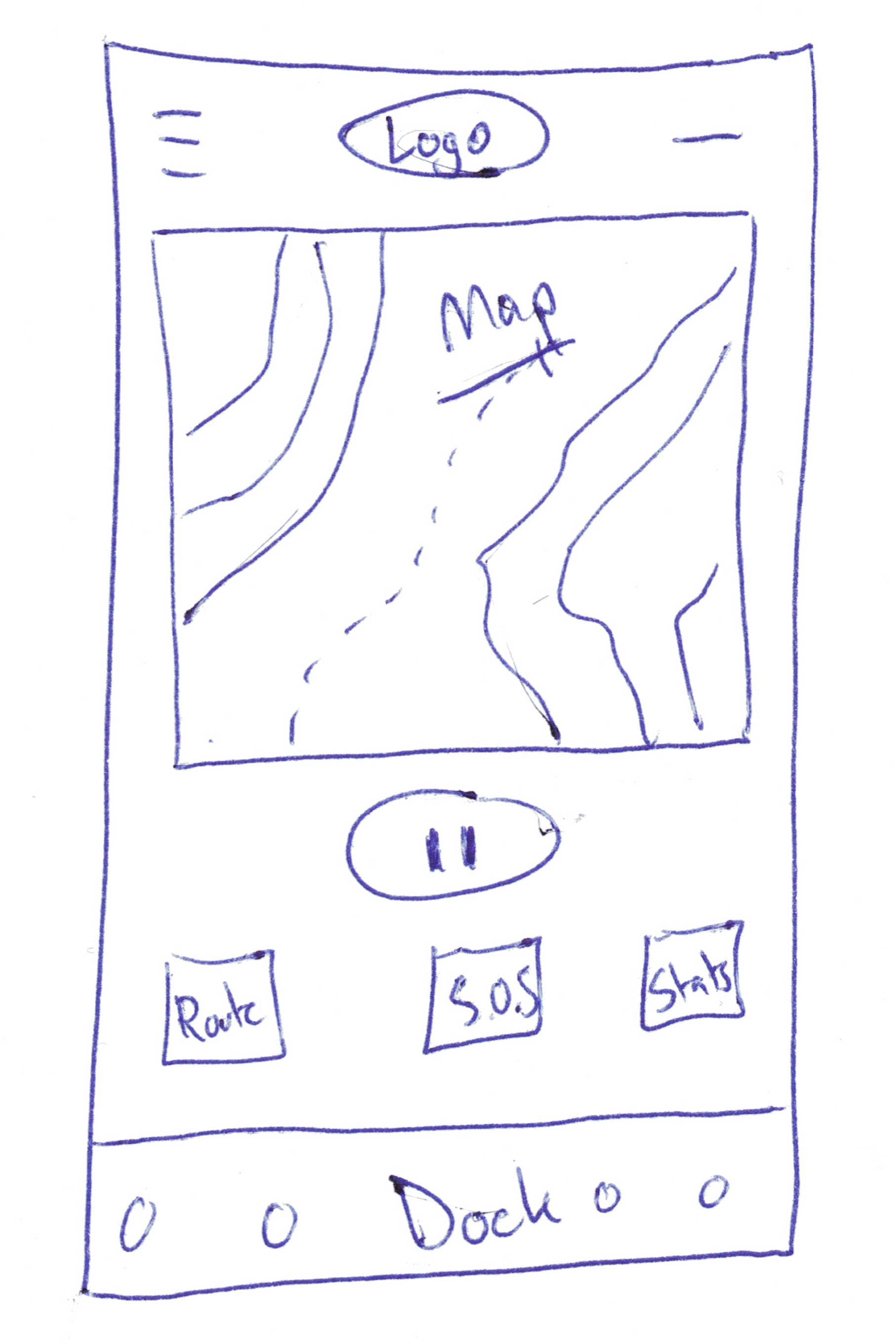
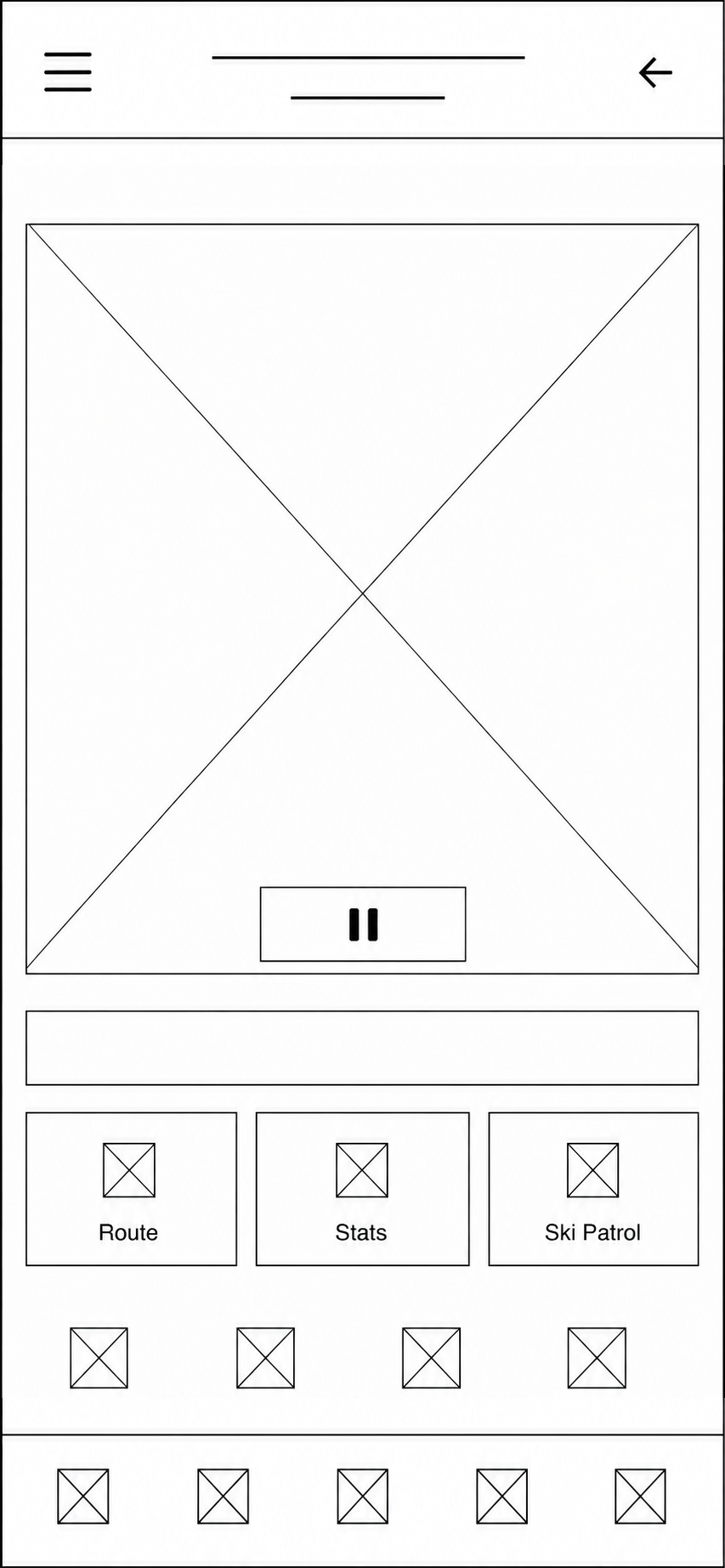
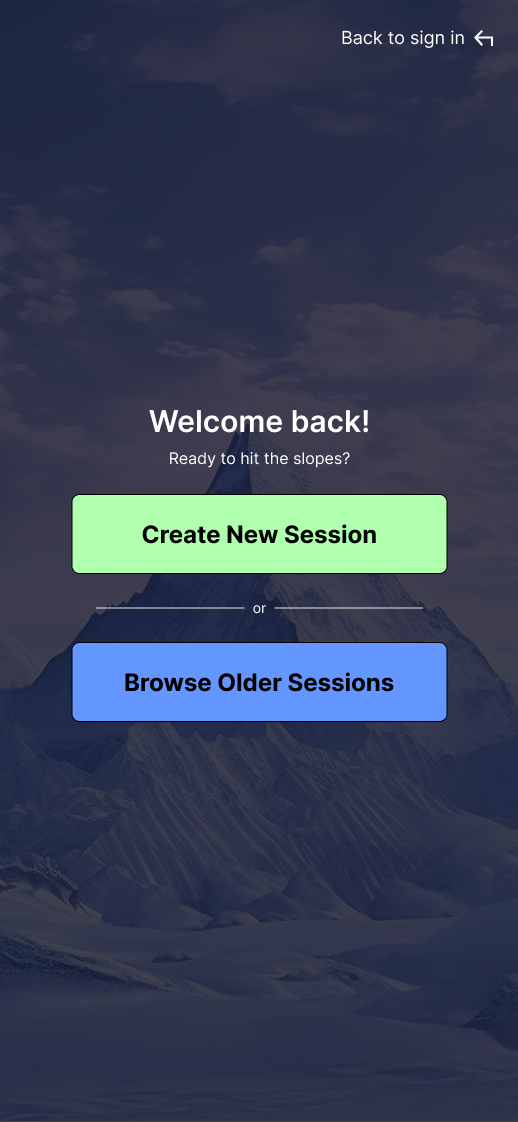
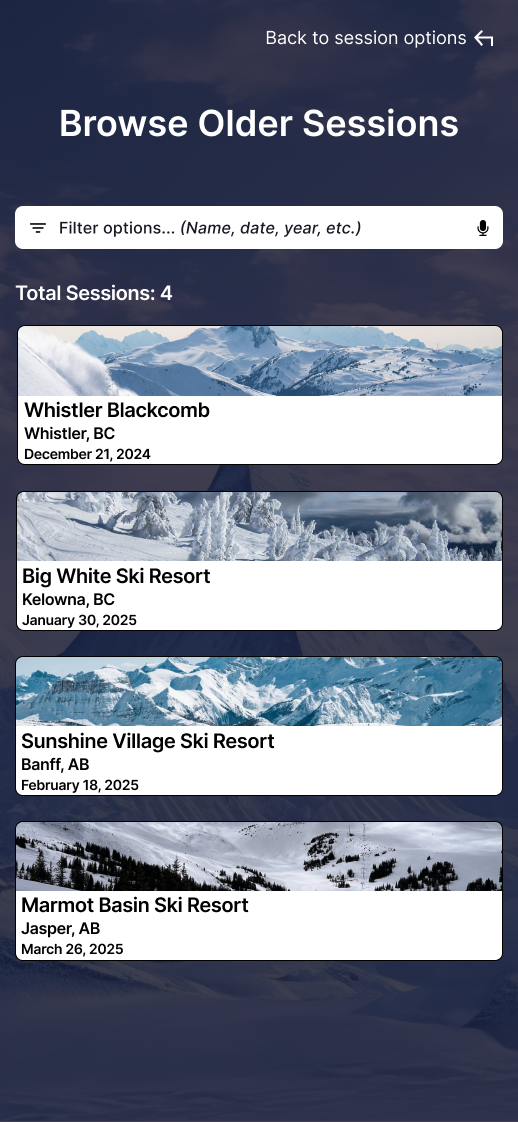
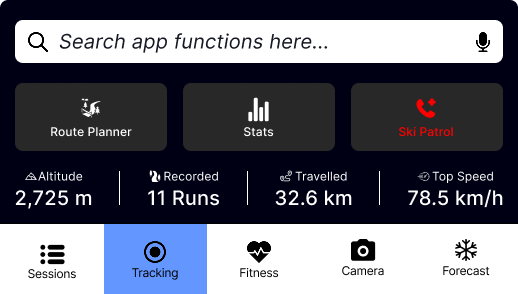
Large Touch Targets
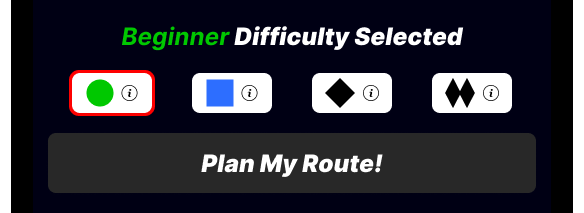
Following Fitts's Law, primary actions were oversized to improve usability while wearing ski gloves. (Fitt's Law: the time required to rapidly reach a target is determined by its distance and size.)
Familiar Navigation
Familiar sports iconography reduced the learning curve by supporting recognition over recall.
Color Palette
Soft earth tones reinforce the mountain environment while maintaining visibility through ski goggles.
Usability Testing
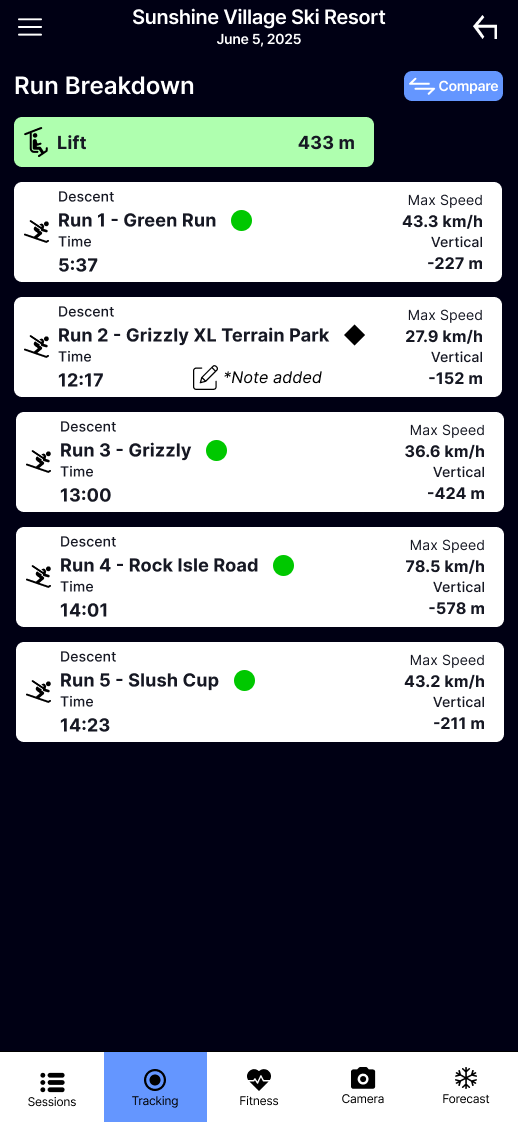
Participants completed realistic skiing tasks using the interactive prototype while thinking aloud.
"You are a returning user who previously recorded a ski trip to Sunshine Village. During your last visit in February, you fell in a terrain park, but you can't remember which run it was. You've returned to Sunshine on June 5, 2025, and want to improve your performance in that same terrain park."
Key Findings
| User Feedback | Design Change |
|---|---|
| App title difficult to read | Increased background contrast |
| Confusing Session Stats | Renamed to "Stats" |
| Route Planner unclear | Added "Pick a Difficulty" heading |
| Couldn't find Compare | Added dedicated Compare page |
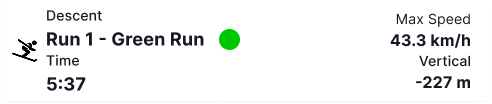
| Run list felt crowded | Increased spacing and removed redundant icons |
Final Outcome
Final deliverables included high-fidelity Figma prototype, component library, user flows, and implementation notes.
Success Metrics
If launched, success would be measured using four key metrics:
Next Steps
- Expand performance tracking with season-over-season comparisons, smartwatch integration, and offline GPS support.
- Introduce personal goals, achievements, and progress tracking.
- Conduct another round of usability testing with a larger and more diverse group of users.
Lessons Learned
Design for Users, Not Experts
Design for first-time users — not assumptions or expertise.
Less Can Be More
Simple, focused experiences often provide the greatest value.
Iteration Creates Better Products
Every round of testing made the experience clearer and more intuitive.
Growing as a Designer
Research, empathy, and iteration became the foundation of my design process.